McTrans Center’s YouTube Page
McTrans Center’s YouTube page provides a diverse set of educational and informative videos freely available for everyone.
Highway Capacity Software
Feedback
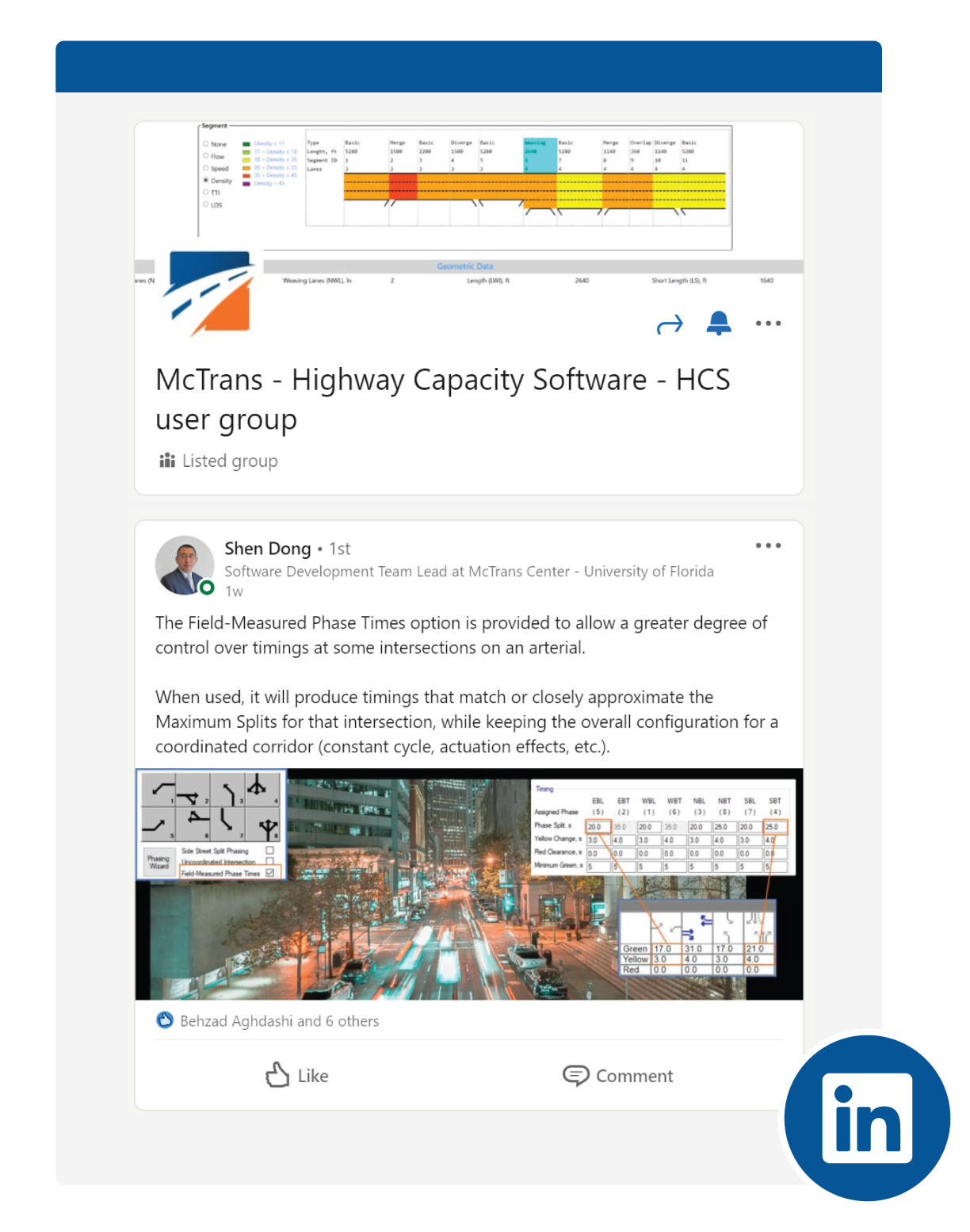
HCS User Group
The HCS User Group is a professional group hosted on LinkedIn to directly connect the HCS users. The users are allowed to communicate directly with each other and share their questions and lessons learned while using the HCS tool. You can join this group by clicking here.
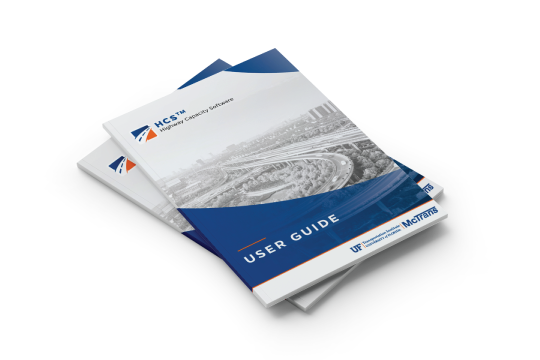
HCS User Guide
The Highway Capacity Software (HCS) comes with a comprehensive user guide to provide a reliable reference. Details of inputs and outputs are discussed. Moreover, you can find where the parameters are located to adjust/calibrate the analysis. The User Guide is available inside every version of HCS by pressing CTRL+G buttons or accessing through the main menu.
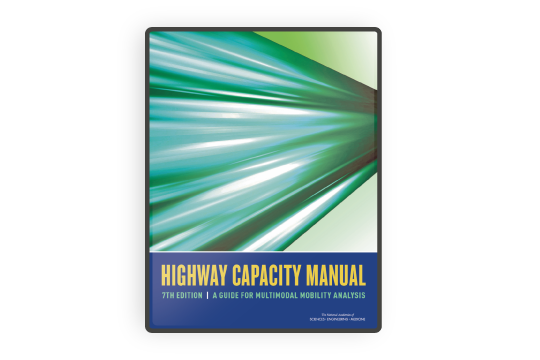
Highway Capacity Manual
The basis of HCS analysis is the Highway Capacity Manual (HCM) which provides comprehensive detail on every methodology. If theoretical aspects of the capacity analyses are the subject of research and study, please do not forget to consult with this document.
Tips and Hints for Better Traffic Analysis
This section provides practical tips and best practices to help you get better results from your analysis.
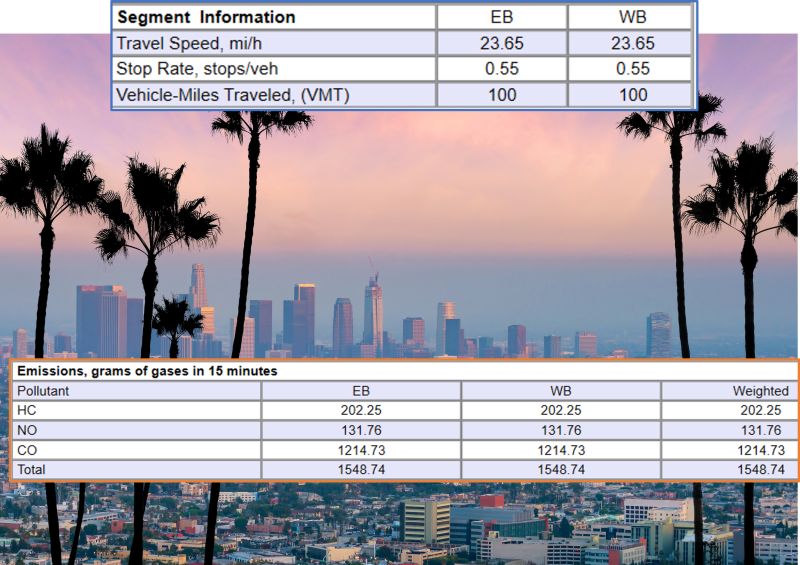
 Emissions Model for Urban Streets


HCS Articles

Analyzing the Performance of RCUT Intersections
The Restricted Crossing U-Turn (RCUT), or “Superstreet,” is a type of Alternative Intersection covered by the [...]

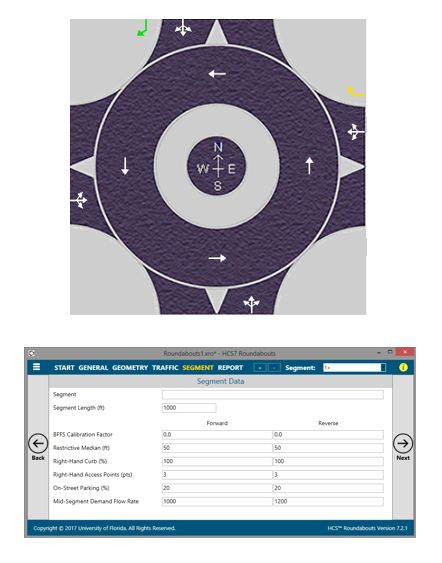
Evaluating the Performance of Roundabout Urban Corridors
Roundabouts are increasingly used not only as isolated intersections but also as components of urban corridors. [...]

Calibrating Driver Behavior at Signalized Intersections
The HCM methodology for Signalized Intersections offers a wide range of calibration parameters. Most traffic signal [...]