HCS Suite Logo

HCS Suite

3 Powerful Software. One Plan. Best Value.

Cost-Effective Solutions for your Analysis Needs

INTEGRATED ANALYSIS

Streamline your Work

Analysis in HCS, HSS, and TSIS-CORSIM can be integrated, ensuring seamless analysis and compatibility with different workflows.


Integration between T7F, HCS, and TSIS-CORSIM

Integrate T7F with HCS and TSIS-CORSIM

See how to leverage the potential of T7F for your McTrans software applications.

Two McTrans-style icons (road and user) connected by circular arrows over a blurred roadway background.

Integrated Safety and Operation Analysis

Explore how to integrate HCS and HSS for combined operations and safety analyses for freeways and highways.

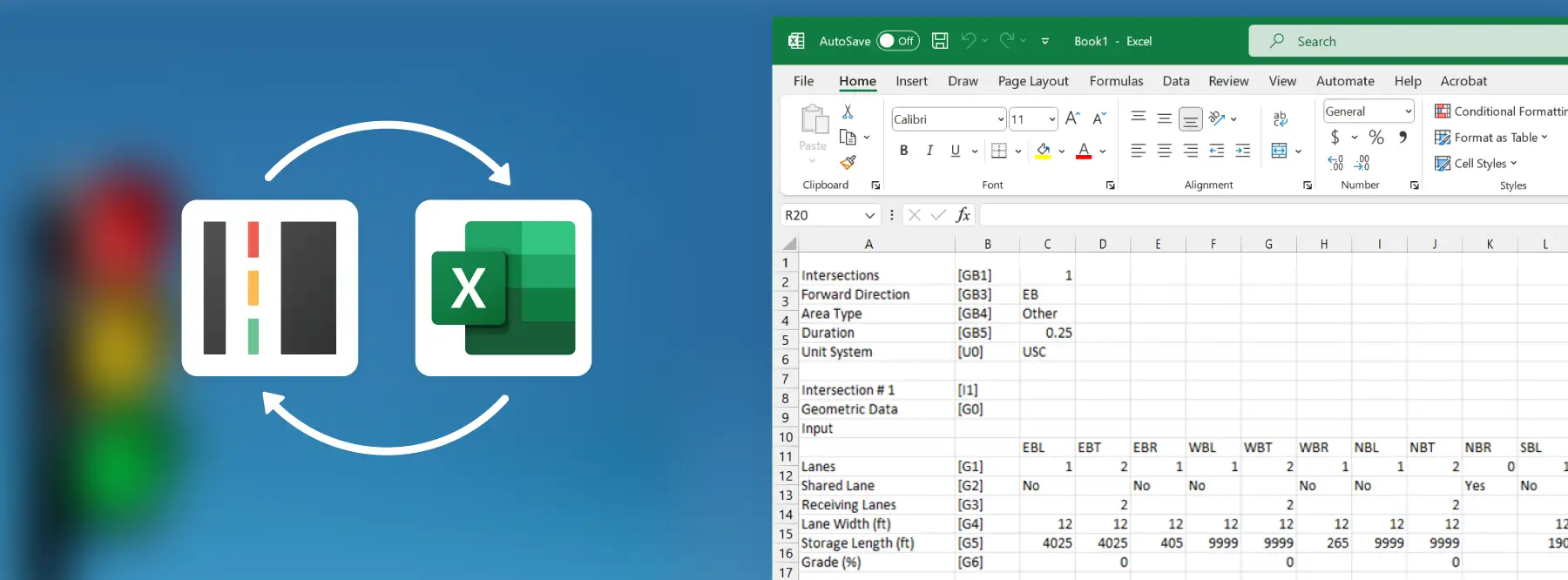
Integrating HCS Signal Analyses with Excel for Efficient Traffic Studies

Explore aspects of the import/export from Streets to .CSV.

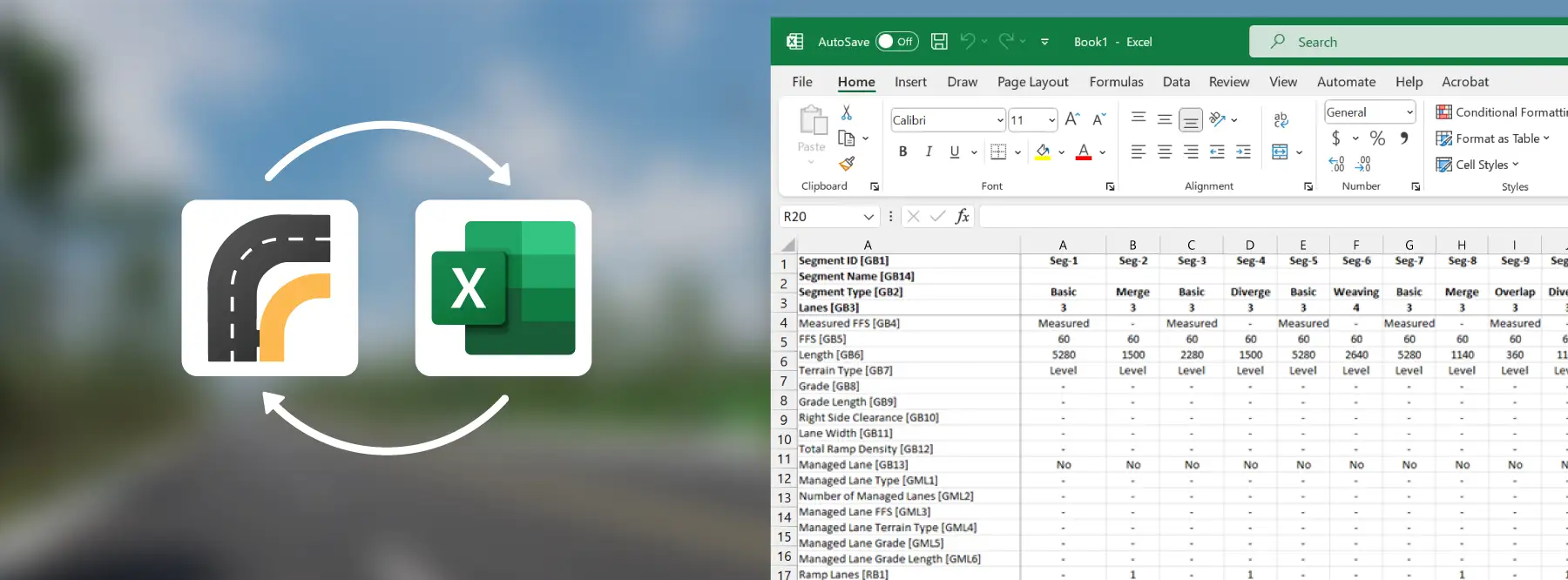
Streamline Freeway Modeling with .CSV Import/Export Feature

Explore aspects of the import/export from Freeways to .CSV.

RELIABLE RESULTS

Analysis in Compliance with Standardized Manuals

Our software is built in compliance with standardized manuals, including the Highway Capacity Manual, Highway Safety Manual, and FHWA ToolBox. Conducting analysis through the HCS Suite can provide valuable support for projects that require adhering to these manuals.


hree transportation reference manuals displayed side by side, including the Highway Capacity Manual, Traffic Analysis Tools Primer, and Highway Safety Manual, representing key resources for traffic engineering and safety analysis.

Get Started

Icon of a person with a speech bubble, representing user support, communication, or feedback.

Have Questions?

If you have any questions, please reach out to us.

Icon of a gear with a checkmark, representing system configuration, validation, or successful processing.

Ready to Upgrade?

Upgrade to the HCS Suite.

Icon of overlapping speech bubbles with a gear symbol, representing system settings, support, or technical configuration.

Installation Help

Find information on how to download and install the latest version of your software.